Humanscale requires a signature upon delivery.


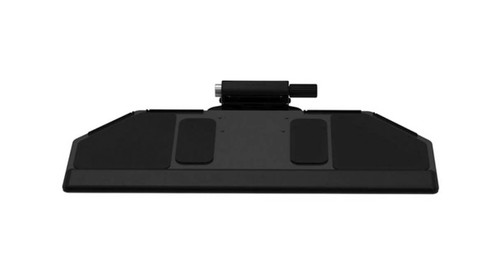
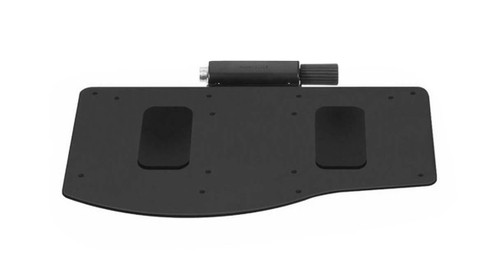
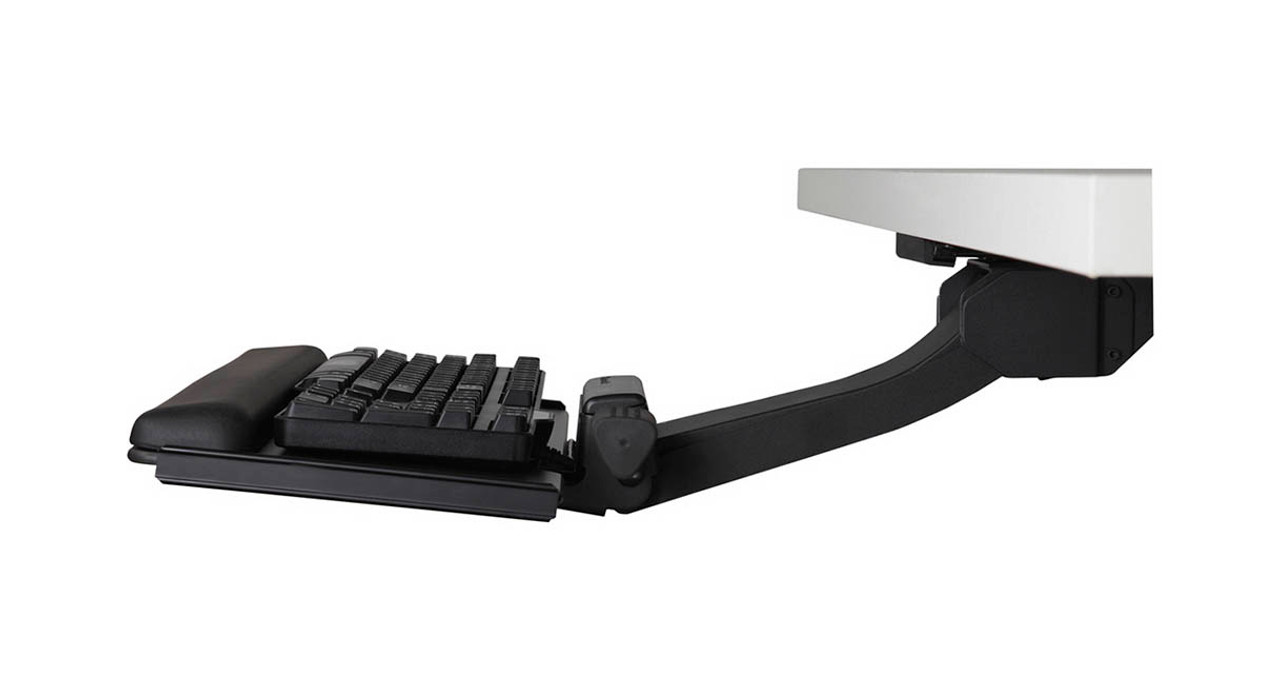
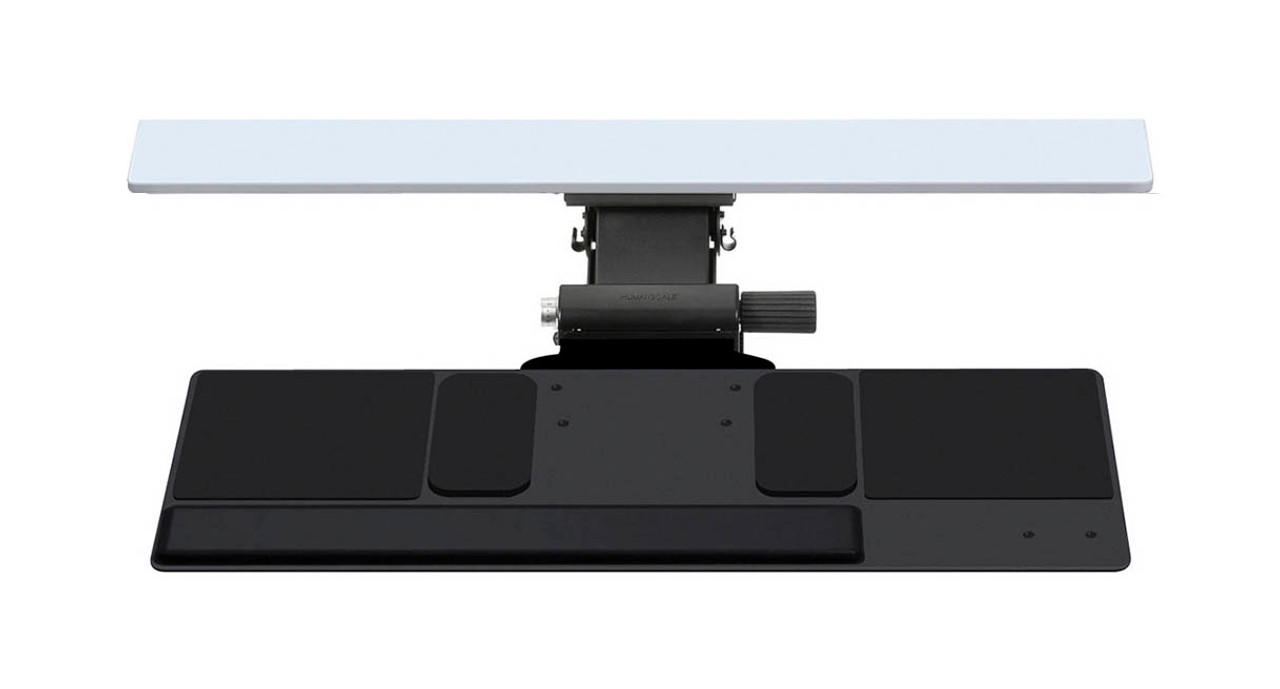
When your workstation calls for a keyboard tray that houses all of your accessories on one handy surface, design the perfect one for you with the Humanscale 500 Big Keyboard Tray.
Humanscale keyboard trays are designed to ensure that nearly all users are able to work consistently within their Neutral Reach Zone, keeping them in a comfortable posture.
A major way to avoid stress injuries is to task on a keyboard tray that allows for negative tilt keying, typically between 0 and -15°. This assists your wrists while you type and mouse, supporting them and leading you to a more comfortable working experience.
Keep your keyboard, mouse, and everything you need at your fingertips with one desk accessory. The Humanscale 500 Big Keyboard Tray is available in a Design Your Own option, letting you pick the components that aid you in working better.
Features
- Easily configured to meet your specific needs
- 500 board offers the second widest single surface for a keyboard tray
- Made of phenolic resin - an ultra-strong, remarkably thin (1/4") composite that's nontoxic, durable, and easy to clean
- Design supports a variety of keyboards and mice combos and will fit most desks
- Lack of mouse platforms means users don’t reach outside of their Neutral Reach Zone
Specifications
| Mechanisms | 8 adjustable arms available |
| Track lengths | 11" - 27" for varying desk depths |
| Palm rests | Available in foam or gel |
| 500 Big platform dimensions | 27" W x 10.625" D |
| Warranty | 15 years |
Color
The Humanscale 500 Big Keyboard Tray is available in black, white, or platinum. Both the keyboard mechanism and platform will come in the chosen color.
Humanscale Keyboard Mechanisms
6G mechanism
Humanscale's newest dial-a-tilt mechanism that instantly adjusts the platform's tilt without the need to lock or loosen any knobs or levers and slimmer than the 5G. The 6G mechanism is available in black or white.
| Height adjustment | 7": 1.75" above track to 5.25" below track |
| Track length | Comes standard with 22" track |
6F mechanism
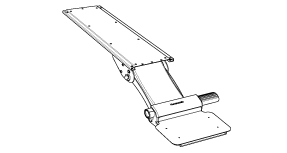
This mechanism is specifically meant for users with a height adjustable desk, such as the Humanscale Float. The short track allows for full retraction of the keyboard tray underneath the desk. Height adjustment is made by repositioning the entire desk to bring the keyboard tray to a proper working level. This mechanism is available in black or white.
| Height adjustment | No height adjustment capabilities |
| Track length | Comes standard with 12.5'' track |
5GSM mechanism for limited-depth desks
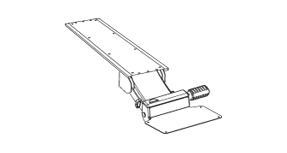
This mechanism goes 4" farther underneath a desk surface, getting a keyboard tray stored out of the way on a shorter track, perfect for desks with limited depth or small spaces. This mechanism is available in black or platinum.
| Height adjustment | 4": 0.5" above track to 3.5" below track |
| Track length | Comes standard with 18" track |
Lateral Slider
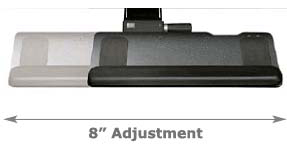
All Humanscale mechanisms pivot 360 degrees from the point where it is mounted to the track. Some users have a need for additional side-to-side adjustability. The lateral slider provides for eight extra inches of movement from right to left. This is a useful feature for someone at a large workstation that requires them to type facing different angles or monitors.
Palm Support
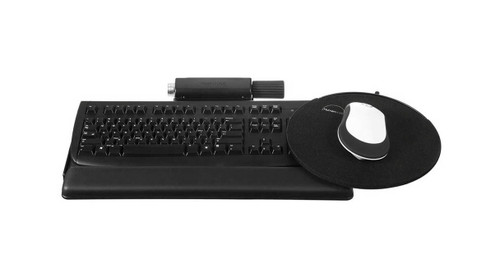
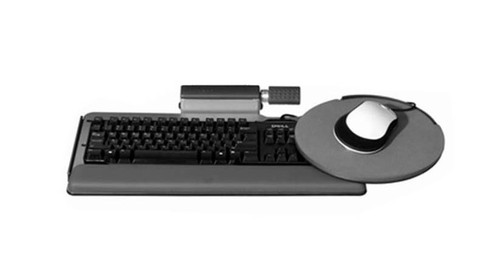
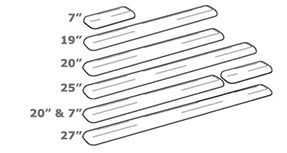
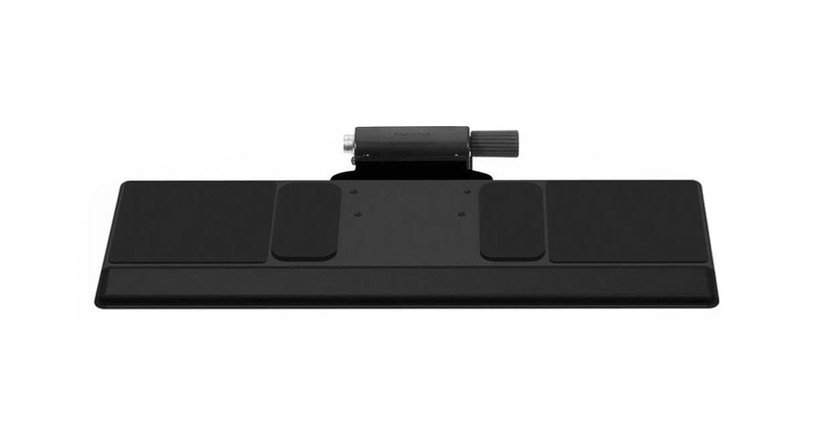
For the 500 Big Board, you can select a solid 27" palm rest or a split palm rest with one 20" section and one 7" long section; this feature comes in handy if a user doesn't want a palm rest in front of their mouse or keypad (pictured in main image above). All are covered with an easy to clean, black synthetic leather.
For users with "slim" keyboards such as those made by Apple, a 19'' "slim" gel palm rest is available. Please note that this palm rest will not reach across the entire length of the tray, and will not fit flush against the keyboard tray corners like the 20'', 25'', and 27'' palm rests. The slim 19'' palm rests will sit roughly 5/8'' away from the closest corner when installed.
When designing your Humanscale 500 Big Keyboard Tray, if you choose to not add a palm support, there will be holes located at the installation points on the tray.
This is normal and part of the keyboard tray's design, but if you do not want a palm rest and installation holes in your tray, we suggest ordering another keyboard tray.
If you have any questions or need help choosing a keyboard tray, please don't hesitate to call us!
Track Length
The track mounts to the underside of your work surface. It directs and supports the Humanscale mechanism and keyboard tray as it slides forward and back. Standard length on most mechanisms is 21 5/8 inches. That length ensures that the keyboard tray can be completely stowed under your desk when not in use. Some mechanisms come standard with a shorter or longer track. Consult each description for that information, but all systems can be ordered with any track length.
Mouse Platform
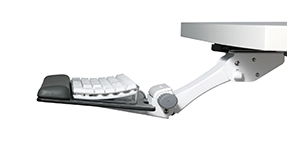
A separate mouse platform is not available as this keyboard tray is large enough to support mousing on the main platform.
Mouse Pad
A mouse pad for the separate mouse platform is not available as this keyboard tray is large enough to support mousing on the main platform.
Second Mouse Pad
A mouse pad for the separate mouse platform is not available as this keyboard tray is large enough to support mousing on the main platform.
Promotional Item
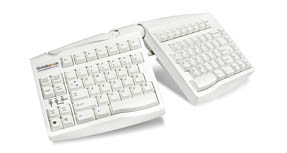
FREE Goldtouch Adjustable Keyboard GTN-0033
This keyboard's split design promotes a more natural and ergonomic typing position.
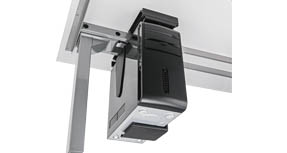
FREE UPLIFT CPU Holder
Clear up desktop space and keep your computer tower off the floor by mounting it to the underneath of your desktop. This accessory is great for height-adjustable desk users.
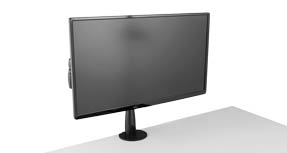
FREE UPLIFT Single Monitor Arm
Mount a monitor weighing between 4.5 lbs - 17.5 lbs, and adjust the height, depth or lateral position with easy fingertip adjustment.
Humanscale Terms and Conditions
Due to manufacturer policy, this item cannot be returned once received nor canceled once ordered.
Please contact us if you have any questions about the Humanscale products we offer, or about the no return policy on Humanscale items.
You must agree to the terms & conditions before your order will ship.
8 Reviews Hide Reviews Show Reviews
-
Solid platform
The 500 is the perfect platform for a larger keyboard or a keybord with the mouse next to it or those who may use a secondary keyboard in addition to the main keyboard.
-
for work
I purchased this keyboard tray due to an ergonomic evaluation indicating need to have lowered usage without a hand reaching for the mouse. So far so good. The only wish I have is that it had the capacity to go UP as well as down...so I could stand and type. Also, while customer service was helpful...I do not think they were as thorough as they should have been when dealing with someone who really didn't understand the measurements etc.... But it could have been just the one person on the phone that day because my other call with them was super!
-
Keyboard tray
I purchased this keyboard tray due to a 2 month pain in my elbow. After using the product for one week my elbow pain started diminishing and after three weeks was gone completely due to the ergonomics of the keyboard tray. The tray was easily installed and setup/adjusted. It is adjustable so anyone that uses my desk can adjust to the correct height. Very will made with little to no shaking motion while typing.
-
Purchased Several!
We have purchased several of these for our company. They are well built with great ergonomics. We will be ordering more!
-
Love this keyboard tray!
I had pulled out an old tray from the trash several years ago, but it finally gave out and would just sink onto my legs. I ordered this one and it is better than I could have dreamed. I use a Kinesis Freestyle keyboard tilted and spread pretty far apart with the numeric keypad off on the right edge and the Orthomouse (more like a rat than a mouse) in between them. It all actually fits. I didn't realize that I could put a tilt on the keyboard tray that allows me to type without bending my wrists at all. It is great! I LOVE it!!!
-
Keyboard Tray
I ordered this tray to replace the standard non-adjustable tray that came with the home office desk. Installation was straight forward, and the tray is easy to use ? I highly recommend it.
-
A great product
I purchased this keyboard tray to replace a fixed wooded sliding tray built into my home desk. I had seen enough stories around poor performance of cheaper solutions and knew I didn't want this problem. The Humanscale 500 was not cheap but it is the single best keyboard tray system I've ever used with great ergonomics. Highly recommend
-
second purchase- very happy
This is the second keyboard tray I have purchased from your company and have been very satisfied with both. They meet the needs of my home office environment exceptionally well. From product selection through installation and usage every step was made as simple as possible. I have already recommended your website and products to several of my friends and coworkers. Thanks for making my web experience a positive one.
Warranty Policy
Visit Humanscale for the warranty policy for this particular product.
Return Policy
Humanscale products cannot be returned.